
Need help translating?
Steps: how to translate a text with Google on your phone
1. Go to Google
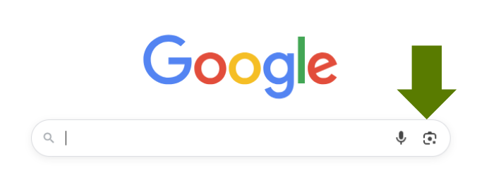
2. Select the camera, see the picture above.
3. Point the camera on the text you would like to translate.
4. Click on the following icon and select the language you want to translate into.

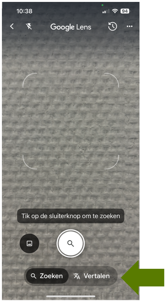
This sign is sometimes combined with the letter A (from Apple) or the letter G (from Google).